For the first time, the 18th Congress of the Hanoi Party Committee for the 2025–2030 term has integrated digital transformation applications into its organization, providing delegates with timely, accurate, and efficient access to information.
iCabinet Application
To ensure delegates can conveniently participate, follow proceedings, and contribute opinions, the Organizing Committee introduced the iCabinet application for use on mobile devices.
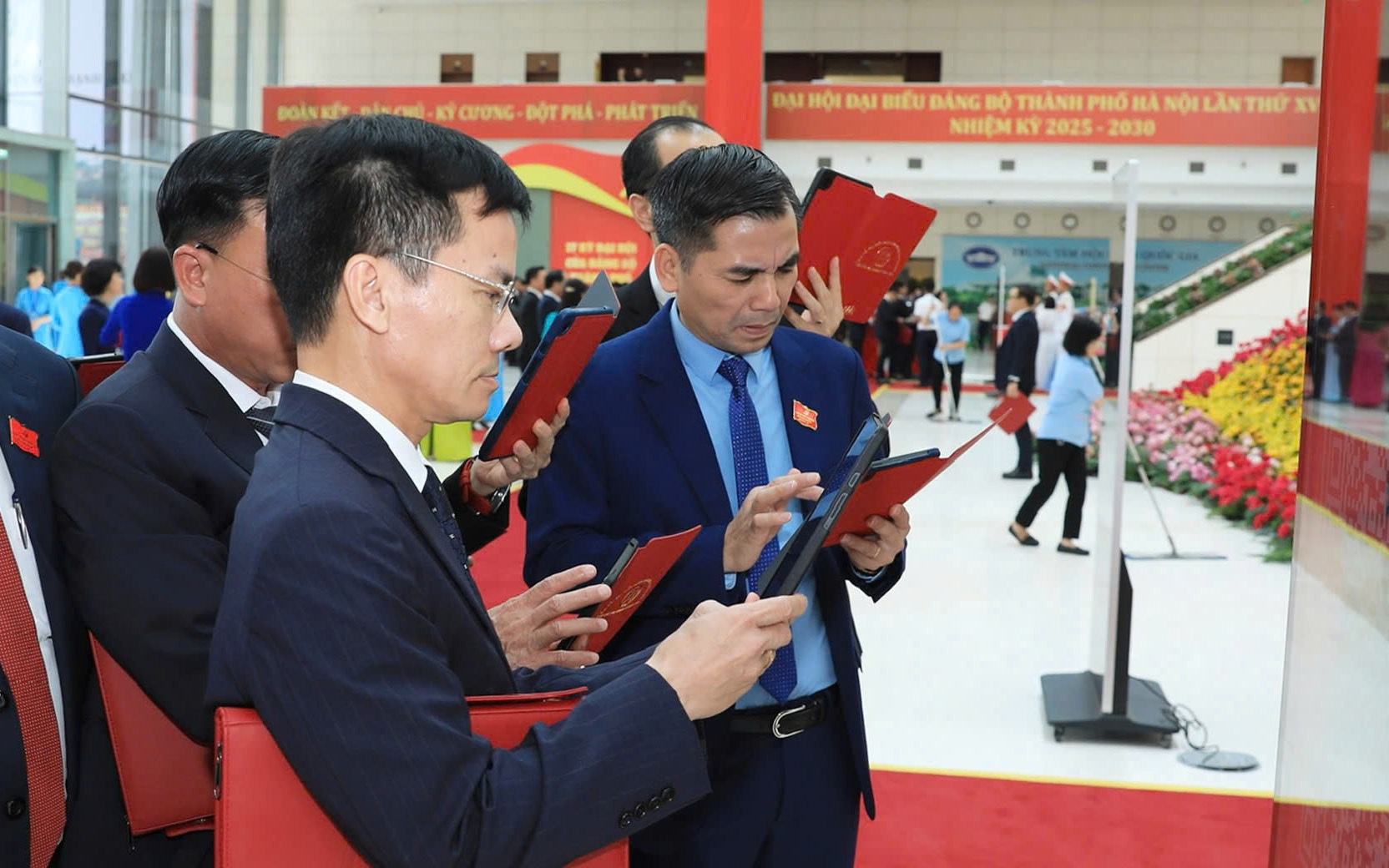
Officials use iCabinet.
User Guide:
Step 1 – Launch the application: Tap the "18th Congress" icon on your device's home screen.
Step 2 – Log in: Enter the assigned username and password, then select "Login." Once successfully logged in, the Home screen will appear.
Step 3 – Join a session and check seating position: On the Home screen, select the desired session, press "Confirm Participation," and then "Join." A confirmation message will appear. Delegates may then tap "View Seat" to locate their position in the conference hall.
Step 4 – Attendance check: Option 1: Scan the QR code at the registration area using the app's built-in scanner. Option 2: Show your personal QR code, found under "My QR Code" on the Home screen, to event staff for assistance.
Step 5 – Access information and submit comments: Delegates can browse the congress agenda, view details on session schedules, venues, and chairpersons, and review presentation documents. To provide feedback, tap the "Comment" icon, type your opinion, attach files if needed, and press "Submit."
Delegates can also use the "Virtual Assistant" feature for real-time support. By selecting the assistant icon, users receive guidance and helpful information throughout the congress.

Interface of the application.
Interactive Technology Experiences: "History Wall" and "Virtual Reality (VR) Glasses"
These interactive features offer delegates engaging ways to explore historical milestones and visual content related to the Party's development.
History Wall: This installation allows participants to physically move a large touchscreen along a rail to explore different time periods. As the screen reaches each marked point, corresponding videos, images, and documents automatically appear. The aim is to make history more vivid, interactive, and memorable compared to traditional static displays.
Virtual Reality (VR) Glasses: The VR system immerses users in a 360-degree virtual environment to view historical scenes and models in lifelike detail.
Setup Instructions: Press and hold the power button on the left side of the headset for about three seconds until the Meta logo appears. Remove the battery seals from both controllers, secure them with wrist straps, and press and hold the "Menu" button for two seconds to activate. When the white light flashes and a vibration occurs, the controllers are ready.
Usage: Adjust the straps and focus, wear the headset, explore 360-degree videos by turning your head, select items within the VR interface, and interact with "hotspots" for an immersive experience.
These digital applications at the 18th Hanoi Party Congress mark an important step toward modern, innovative, and accessible Party activities in the capital.